Enable SMS
This guide connects Ella Core to an SMSC, such as Ella SMSC, so subscribers can send and receive SMS.
1. Configure the SMSC
Set your SMSC's HSS realm to epc.mnc<MNC>.mcc<MCC>.3gppnetwork.org, using your network's MCC and 3-digit MNC.
Example: epc.mnc001.mcc001.3gppnetwork.org
2. Connect Ella Core to the SMSC
In the Ella Core UI, go to the Operator page and scroll to the SMS section.
Click the edit icon next to SMS Number, enter Ella Core's E.164 number for SMS, e.g. +15550001111, and click Update.
Click Add SMSC and configure the following settings:
- Name: a name for your SMSC, e.g.
main. - Numbers: the E.164 service centre addresses your SMSC serves, e.g.
+15550000000. - Nodes: the Address of your SMSC's Diameter endpoint. If your SMSC has several Diameter nodes, click Add Node for each.
Click Add.
Validate that each node shows Connected.
3. Give subscribers an MSISDN
For each subscriber that should send or receive SMS:
- Go to the Subscribers page and click on the subscriber you want to configure.
- In Provisioning, click the edit icon next to MSISDN.
- Enter the subscriber's E.164 number, e.g.
+15551230001, and click on Update.
4. Set the SMSC number on the phones
On each phone's SIM, set the SMSC number to one of your SMSCs' service centre numbers, in international format, e.g. +15550000000.
5. Send a test SMS
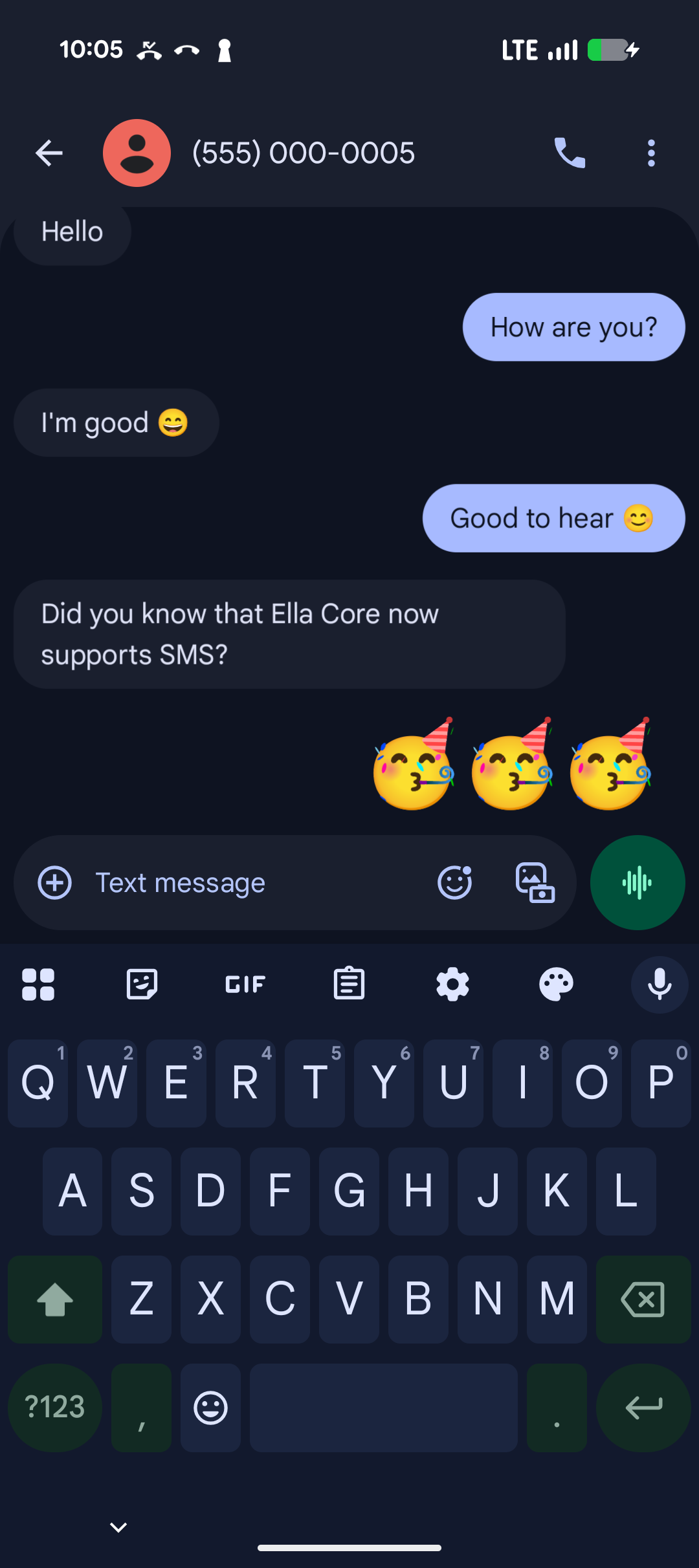
Send a test SMS message from a phone to another in your private mobile network. The message should be delivered successfully.
To also deliver SMS over IP through an IMS, see Ella IMS's Enable SMS over IP.