Enable Voice
This guide lets subscribers in your private mobile network make voice and video calls over 4G and 5G, with an external IP Multimedia Subsystem (IMS).
Prerequisites
- IMS: an IMS integrated with Ella Core, as in Integrate with an IMS.
- Radio QoS support: your radios must support the following QoS classes, as QCIs on 4G and 5QIs on 5G.
| QCI / 5QI | Used for |
|---|---|
| 5 | IMS signalling |
| 1 | Voice |
| 2 | Video |
1. Create the voice data network
Go to the Networking page and open the Data Networks tab.
Click Create, enter ims as the Name, set the IP pool, turn on IMS (voice and mission critical services), and click Create.
2. Add a voice policy to the profiles
For each profile whose subscribers should make calls:
- Go to the Profiles page and click on the profile you want to configure.
- Click Add Policy, enter a Name, set the Data Network to
ims, and click Create.
3. Give subscribers an MSISDN
For each subscriber that should make or receive calls:
- Go to the Subscribers page and click on the subscriber you want to configure.
- In Provisioning, click the edit icon next to MSISDN.
- Enter the subscriber's E.164 number, e.g.
+15551230001, and click on Update.
4. Enable voice on the phones
On each phone, turn on VoLTE (4G) or VoNR (5G).
5. Verify the IMS registration
Go to the Subscribers page and click on a subscriber with an MSISDN. Voice should show Registered.
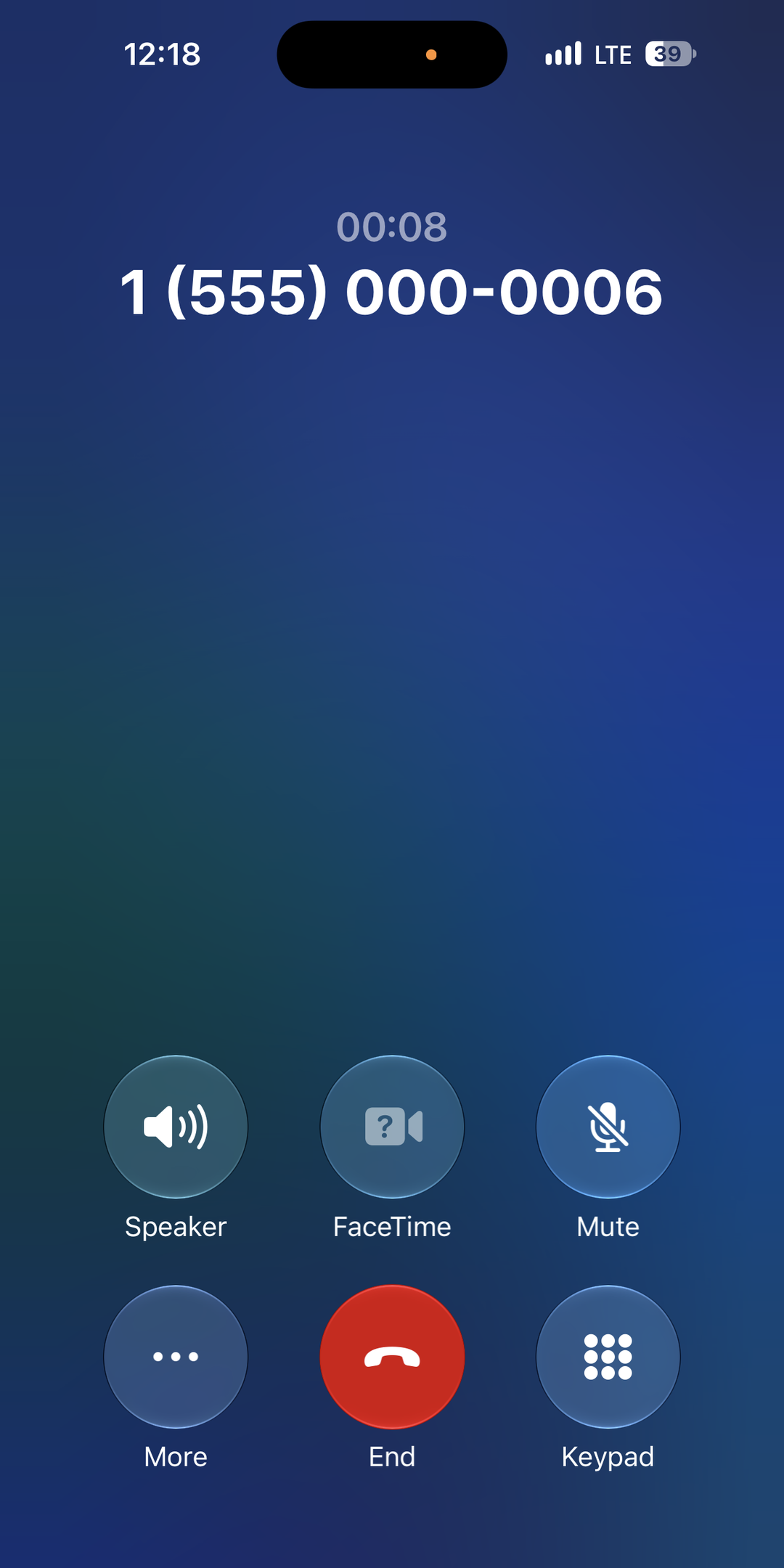
6. Make a test call
Call a phone from another in your private mobile network. The call should connect with audio in both directions.