Enable Voice
Ella Core can be integrated with an external IP Multimedia Subsystem (IMS) to allow subscribers in your private mobile network to make voice and video calls over 4G and 5G.
This guide uses Ella IMS to enable voice, but any 3GPP-compliant IMS can be used.
Prerequisites
- Radio QoS support: your radios must support the following QoS classes, as QCIs on 4G and 5QIs on 5G.
| QCI / 5QI | Used for |
|---|---|
| 5 | IMS signalling |
| 1 | Voice |
| 2 | Video |
1. Enable the Diameter interface
In the Ella Core configuration file, set the address Ella Core accepts Diameter connections on:
interfaces:
  diameter:
    address: "10.3.0.2"
In a high availability cluster, use the same port on every node.
Restart Ella Core.
2. Configure the IMS
Configure your IMS with the following settings, using your network's MCC and 3-digit MNC:
- HSS (Cx): Ella Core's Diameter address, e.g.
10.3.0.2, port3868. - PCRF (Rx): Ella Core's Diameter address, e.g.
10.3.0.2, port3868. - HSS and PCRF realm:
epc.mnc<MNC>.mcc<MCC>.3gppnetwork.org, e.g.epc.mnc001.mcc001.3gppnetwork.org. - Home domain:
ims.mnc<MNC>.mcc<MCC>.3gppnetwork.org, e.g.ims.mnc001.mcc001.3gppnetwork.org. - Route to the UEs: the voice data network's IP pool via Ella Core's N6 address, e.g.
10.46.0.0/16via10.6.0.2.
3. Set the P-CSCF addresses
In the Ella Core UI, go to the Operator page and scroll to the Voice section.
Click the edit icon next to P-CSCF Addresses, enter your IMS's P-CSCF addresses, e.g. 10.6.0.5, and click Update.
4. Create the voice data network
Go to the Networking page and open the Data Networks tab.
Click Create, turn on Voice (IMS), set the IP pool, and click Create.
5. Add a voice policy to the profiles
For each profile whose subscribers should make calls:
- Go to the Profiles page and click on the profile you want to configure.
- Click Add Policy, enter a Name, set the Data Network to
ims, and click Create.
6. Give subscribers an MSISDN
For each subscriber that should make or receive calls:
- Go to the Subscribers page and click on the subscriber you want to configure.
- In Provisioning, click the edit icon next to MSISDN.
- Enter the subscriber's E.164 number, e.g.
+15551230001, and click on Update.
7. Enable voice on the phones
On each phone, turn on VoLTE (4G) or VoNR (5G).
8. Verify the IMS registration
Go to the Subscribers page and click on a subscriber with an MSISDN. Voice should show Registered.
9. Make a test call
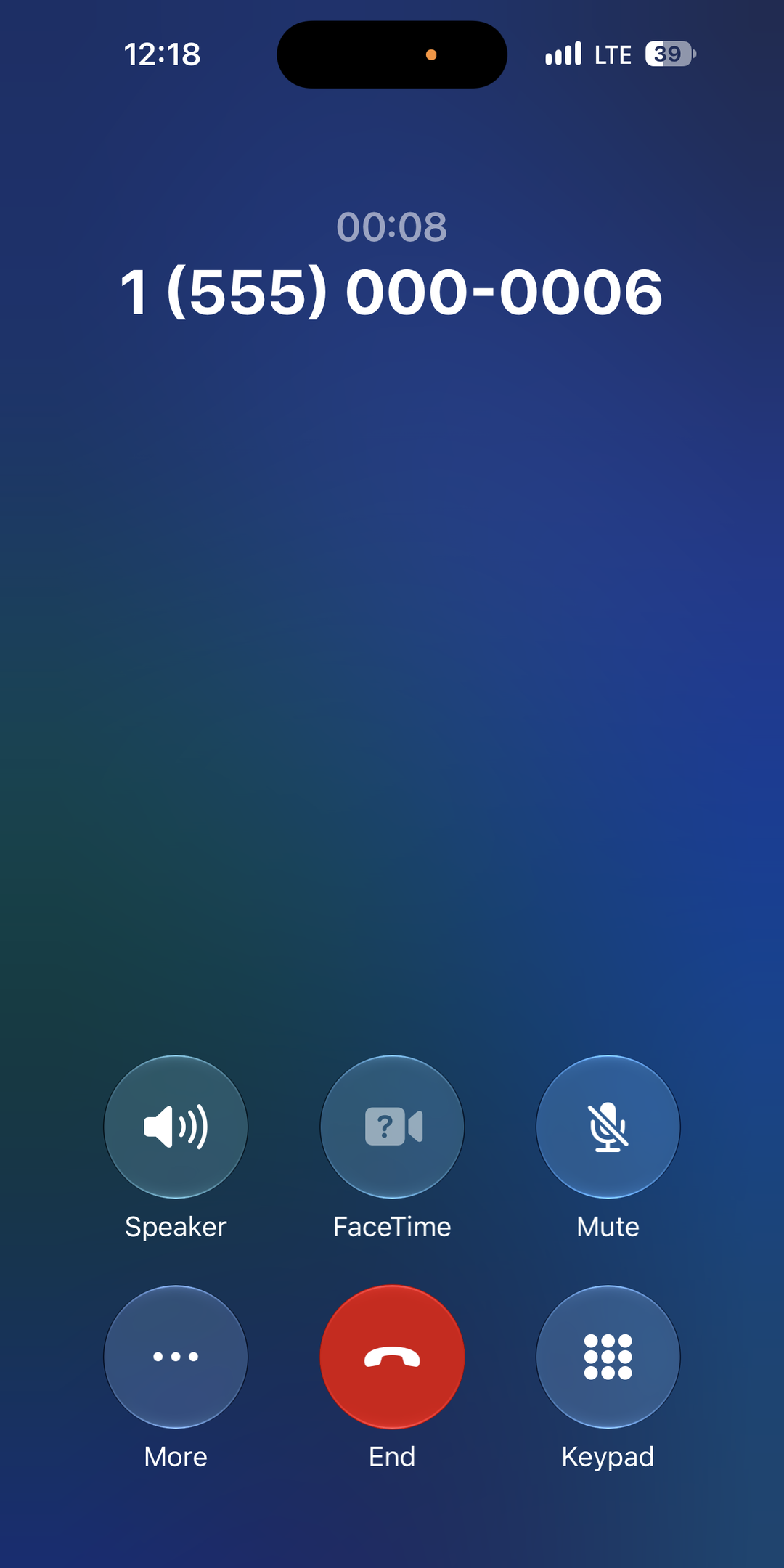
Call a phone from another in your private mobile network. The call should connect with audio in both directions.